
From the manufacturer
Logitech G Saitek Pro Flight Multi Panel
Closer to Reality
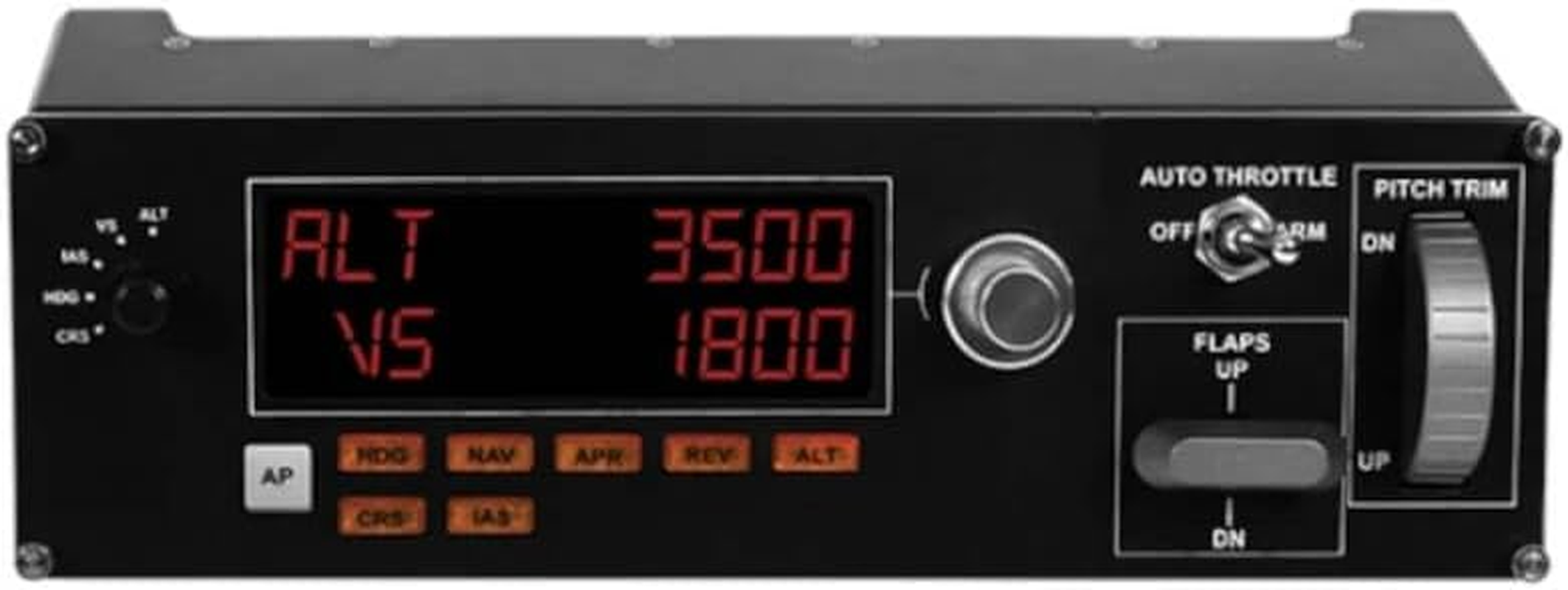
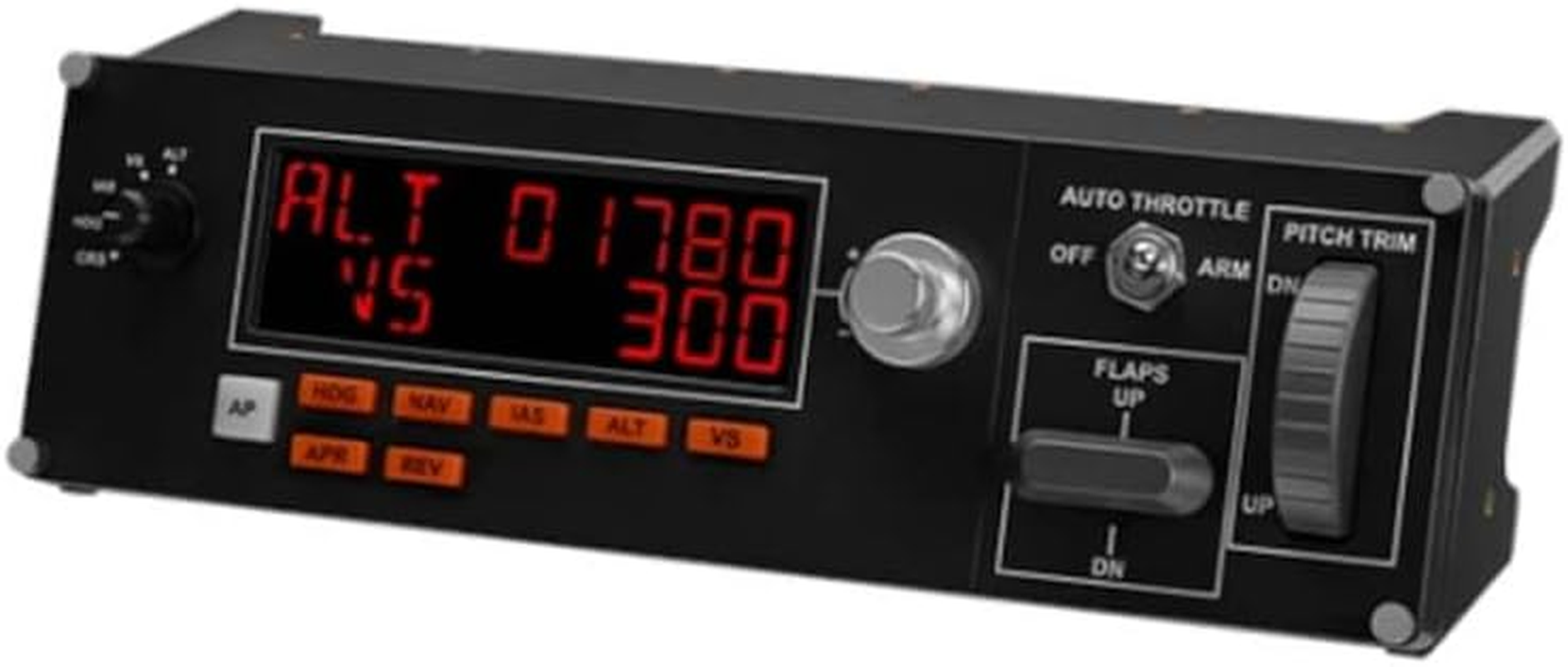
The Multi Panel removes the need to use finicky onscreen controls and is ready for installation into your Saitek Pro Flight Yoke or custom cockpit rig.
Elite Features
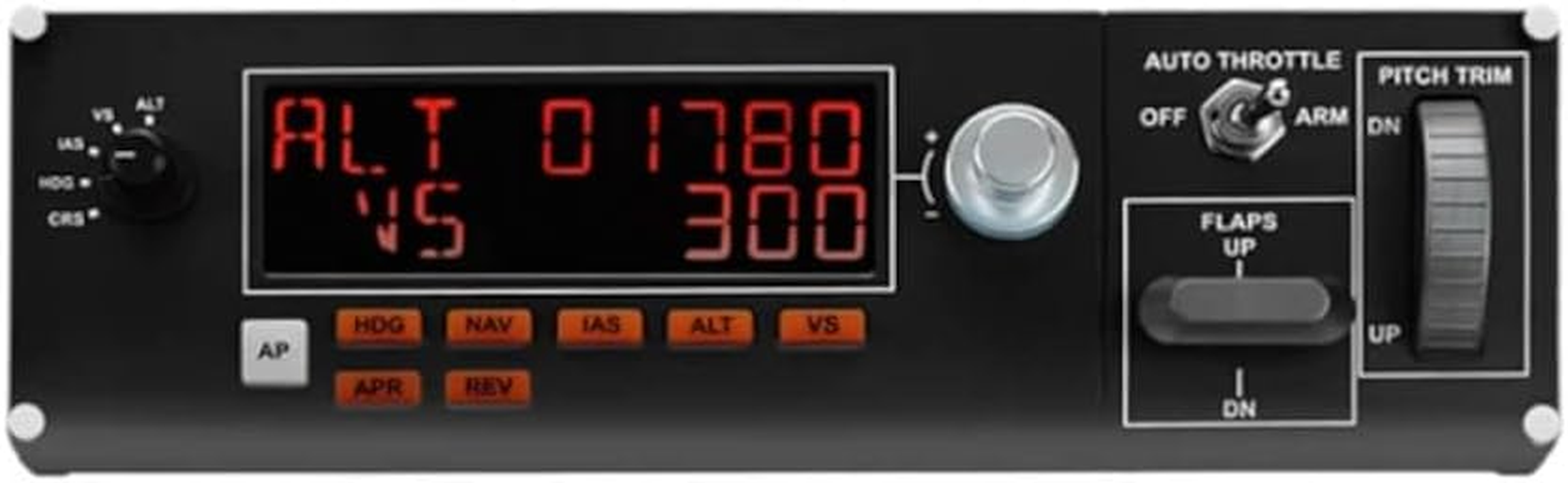
- Autopilot Panel with Easy-to-Read LED Display and Robust Buttons and Dials
- Mini Trim Wheel Keeps Your Hand on the Dial Just Like the Real Thing
- Flaps Lever Accurately Sets the Wings’ Control Surfaces
Simplified Autopilot Adjustments
The full autopilot panel – complete with real-time LED readouts – gives you fingertip control over a multitude of settings within FSX, X-Plane*, and Prepar3D software. By adding a Multi Panel to your flight sim setup, you can manipulate your aircraft’s autopilot settings with physical dials and buttons that immediately trigger in-sim actions. (*Plugins available at our website.)
Extra Controls for Auto Throttle, Flaps, and Pitch Trim
Easily adjust your auto throttle via two-position switch. An accurate 2-way rocker switch provides control of your aircraft’s flaps. And for precise control of pitch, a built-in trim wheel – offering just the right amount of resistance – enables you to maintain your desired attitude.
Flight Simulation Software Compatibility
- FSX – Flight Simulator X (PC only)
- X-Plane 10 (PC and Mac)
- Prepar3D 2.2 (PC only)
- Most Other Flight Simulation Software
- System Requirements: Windows 7 or higher and USB 2.0 Port
Fully Customizable to Meet Your Needs
Modular and interchangeable, Saitek’s range of Instrument Panels can be situated one on top of another or side-by-side. Want the Multi Panel above the Radio Panel? Done. Want your Switch Panel to the left of your Yoke? Go for it. Easy-to-use mounting brackets provide the means to arrange your flight simulation setup in a configuration only limited by your imagination.
Build the Ultimate Virtual Cockpit
With Saitek’s Pro Flight Yoke System, the configuration of your dreams can become reality. From just a Yoke and a Throttle Quadrant, easily add Rudder Pedals and a multitude of Switch, Navigation, and Instrument Panels to fully customize your flight simulator. Commercial or private, seasoned or novice, you have the ability to equip your flight simulation setup with all the essentials needed to vastly improve your skill set and muscle memory.
- Full autopilot controls give you fingertip control over a multitude of settings within fsx, x-plane, and prepar3d software
- Realistic controls for auto throttle and a switch that provides control of your flight simulation aircraft’s flaps
- Modular and interchangeable. saitek’s range of instrument panels can be situated one on top of another or side-by-side. want the multi panel above the radio panel?
- Compatible: Windows 7, 8, 8.1 and 10 or newer





Reviews
There are no reviews yet.